BetterTTV : almost always shortened to BTTV : is a browser extension that adds emotes and chat features to Twitch that Twitch itself does not provide. The official website describes it in one line: "The emotes and chat features Twitch left out. Free and open source."
It is made by NightDev, not by Twitch. It runs in your browser, on top of the Twitch website, and it changes what you see in chat: more emotes, more control over how chat looks, and a set of small tools for viewers, moderators and streamers. It also works on YouTube, where it runs in beta.
What BetterTTV actually does
The short answer is emotes. The longer answer is that emotes are only the beginning. Here is what the extension adds, in plain terms.
More emotes
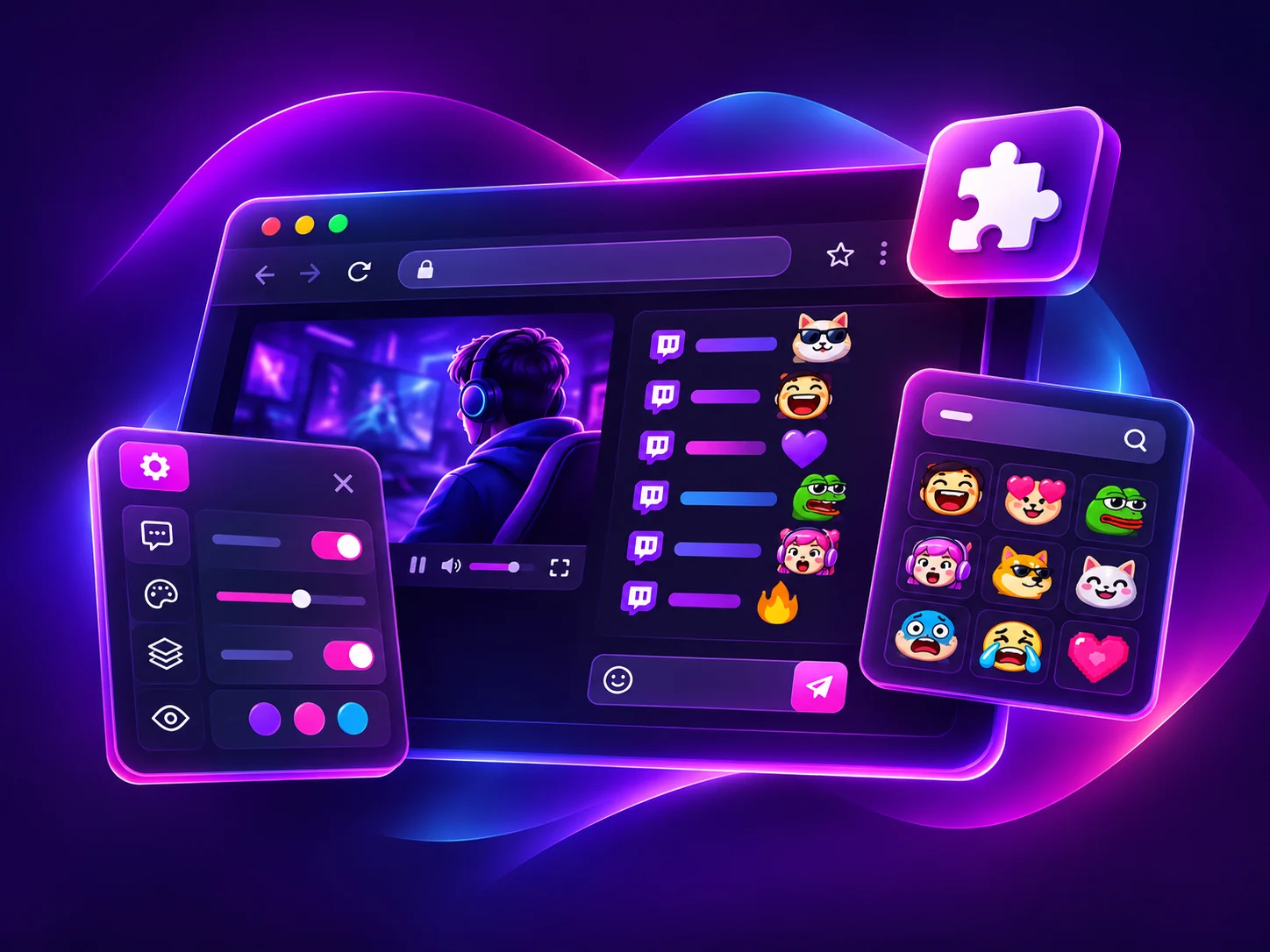
The headline feature is extra emotes in chat: BetterTTV global emotes that work everywhere, and per-channel custom emotes that a channel can add for its own community. There is also an improved emote menu for browsing them, and emote sets : grouped collections such as Classics, Halloween and Winter : that keep emotes organized. Viewers can even add emotes directly from chat, and in some channels viewers add emotes with channel points.
One thing beginners often miss: both sides need the extension. If you type a BetterTTV emote and the person reading chat does not have BTTV installed, they will see the emote's text name instead of the picture. That is normal, and it is the main reason streamers tell their communities to install it.
Chat that fits how you read
Fast chat is hard to read. BetterTTV adds split chat lines for easier reading, readable username colours, split chat colours, and the option to put chat on the left or reverse the chat direction. These are small changes, but in a channel with thousands of messages a minute they are the difference between following a conversation and giving up on it.
Finding what matters
Keyword highlighting lets you highlight selected terms so they stand out, with pinned highlights that can play a sound. You can highlight first-time chatters, and use blacklists to hide words or phrases you do not want to see. Tab completion puts emotes first, and bot command autocomplete helps when you type commands in chat.
Seeing what was removed
BetterTTV can show deleted links and messages, and restore deleted messages in chat. For moderators and for anyone trying to follow a conversation after a message was removed, that is genuinely useful : and it is one of the features people mention most when they explain why they installed it.
Small automations
The extension can automatically claim bonus channel points, drops and moments, auto-enter mod view, auto-join raids, and switch on theatre mode automatically. It can also hide visual noise and clutter such as recommended channels, bits, replies, notices and community highlights. None of these change Twitch itself; they change what your browser shows you.
Anon Chat
Anon Chat lets you join a channel without showing in the user list. It is a privacy feature, not a way to hide from moderators : moderation still applies.
A tour of the smaller features
Beyond emotes, the official BetterTTV website lists a long set of smaller features under "And even more". They are worth a tour, because this is where the extension earns its keep for daily viewers:
- Anonymous chat : join a channel without showing in the user list.
- Chat on the left : move chat to the left side of the video instead of the right.
- Reverse chat direction : newest messages at the top instead of the bottom, for people who prefer reading that way.
- Split chat colours : colour-code alternating chat lines so fast conversations are easier to follow.
- Readable username colours : adjust username colours so names stay legible against the chat background.
- Localized usernames : show usernames in their local form where available.
- Tab completion, emotes first : when you press Tab while typing, emotes come first in the suggestions.
- Bot command autocomplete : get suggestions while typing bot commands in chat.
- Highlight keywords : make chosen words stand out, so you never miss your name in a busy channel.
- Blacklist keywords : hide messages containing words or phrases you do not want to see.
- Pinned highlights, with a sound : pin a highlight so it stays visible, with an optional sound alert.
- Highlight first-time chatters : make first messages from new viewers stand out, which streamers use to welcome people.
- Restore deleted messages : see messages that were deleted, so a conversation still makes sense afterwards.
- Auto-enter mod view : moderators are taken straight into mod view when they open a channel they moderate.
- Auto-join raids : join a raid automatically when the streamer raids another channel.
- Auto-claim bonus channel points : claim bonus points without clicking the chest every time.
- Auto-claim drops : claim Twitch Drops automatically while you watch.
- Auto theatre mode : switch to theatre mode automatically when you open a stream.
- Click to play : click the video to play or pause, instead of hunting for the control.
- Scroll for volume : scroll over the video to change the volume.
No single feature on that list is dramatic. Together, they are the reason people who install BetterTTV rarely uninstall it: the extension removes a hundred small frictions from watching Twitch, and after a week of using it, plain Twitch feels unfinished.
All-in-one: BetterTTV, 7TV and FrankerFaceZ
One thing that surprises new users is that BetterTTV is not only about its own emotes. The official site describes it as an all-in-one extension: BetterTTV, 7TV and FrankerFaceZ in one place. That means one install can show emotes from all three emote services, instead of needing a separate extension for each. If a channel uses 7TV or FrankerFaceZ emotes, you will see them through the same extension.
That is also why "BTTV emotes" is sometimes used loosely to mean any third-party Twitch emote. Strictly, BetterTTV emotes are the ones from BetterTTV itself : but in practice, most viewers just mean the extra emotes that appear once the extension is installed.
Who makes BetterTTV?
BetterTTV is developed by NightDev (NightDev, LLC). It is open source and freemium: the extension itself is free, and there is an optional Pro service with extra perks. The official site is betterttv.com, and the extension is distributed through official browser store listings : the Chrome Web Store, Firefox Add-ons, Microsoft Edge Add-ons, and the equivalent routes for other supported browsers.
Because it is a third-party extension, it is worth being precise about what that means. Twitch does not make BetterTTV, does not support it, and does not guarantee it. If Twitch changes its website, BetterTTV has to catch up. That is normal for browser extensions, and it is why the official store listing : not a random download site : is the only safe place to install it from.
What is BetterTTV Pro?
BetterTTV Pro is the optional paid tier. The official website describes it like this: "Pro gives your name an effect and a badge, and emotes that follow you into every chat." The perks shown on the official site include recoloring Twitch and YouTube, up to 500 channel and 50 personal emotes, and scheduling and auto-replying to messages.
Pro is aimed at people who run channels or use emotes heavily : more emote slots, personal emotes that travel with you, and a visible badge. For an ordinary viewer who just wants to see chat emotes, the free extension is the whole product. No price is listed on the official homepage, so this site does not state one: check the official BetterTTV website for current Pro details if you are considering it.
What BetterTTV is not
A few honest corrections to things people assume:
- It is not made by Twitch. It is a third-party extension by NightDev.
- It is not a mobile app. It is a browser extension for supported desktop browsers. Its emotes are not available on the Twitch mobile app.
- It does not work everywhere. It is built for Twitch and YouTube (beta). It does not add emotes to other websites.
- It is not a way to get emotes for free on Twitch's own system. BetterTTV emotes are separate from Twitch's subscriber and Bits emotes.
- It does not host videos or streams. It only changes the chat and viewing experience in your browser.
Who should install it?
Install BetterTTV if you watch Twitch regularly and you keep seeing emote names in chat that show up as plain text for you. That is the clearest sign: the community you watch is using BTTV emotes, and you are missing them. Streamers and moderators get the most from it, because of the channel emotes, the moderation tools, and the auto-claim features : but ordinary viewers get the emotes and the readable chat, which is most of the value.
You probably do not need it if you rarely watch Twitch, if you only watch on the mobile app, or if you are happy with Twitch's built-in emotes. There is no penalty for not installing it; chat simply looks the way Twitch designed it.
Getting started in three steps
The official site reduces the whole thing to three steps, and it is accurate:
- Install the extension. One click in your browser's store, from the official route. No account needed. See the full installation guide for Chrome, Firefox, Edge and Opera.
- Add some emotes. Browse what is trending, or add any emote from its page. Channel emotes come from the channels you watch.
- Start chatting. Everyone with BetterTTV sees your emotes straight away.
After installing, spend five minutes in BetterTTV Settings before changing anything else. Read the description beside each setting, change one option at a time, and refresh the page when the extension asks you to. The defaults work well; most beginners who run into trouble changed five settings at once and could not tell which one did what.
BetterTTV on YouTube: what actually works
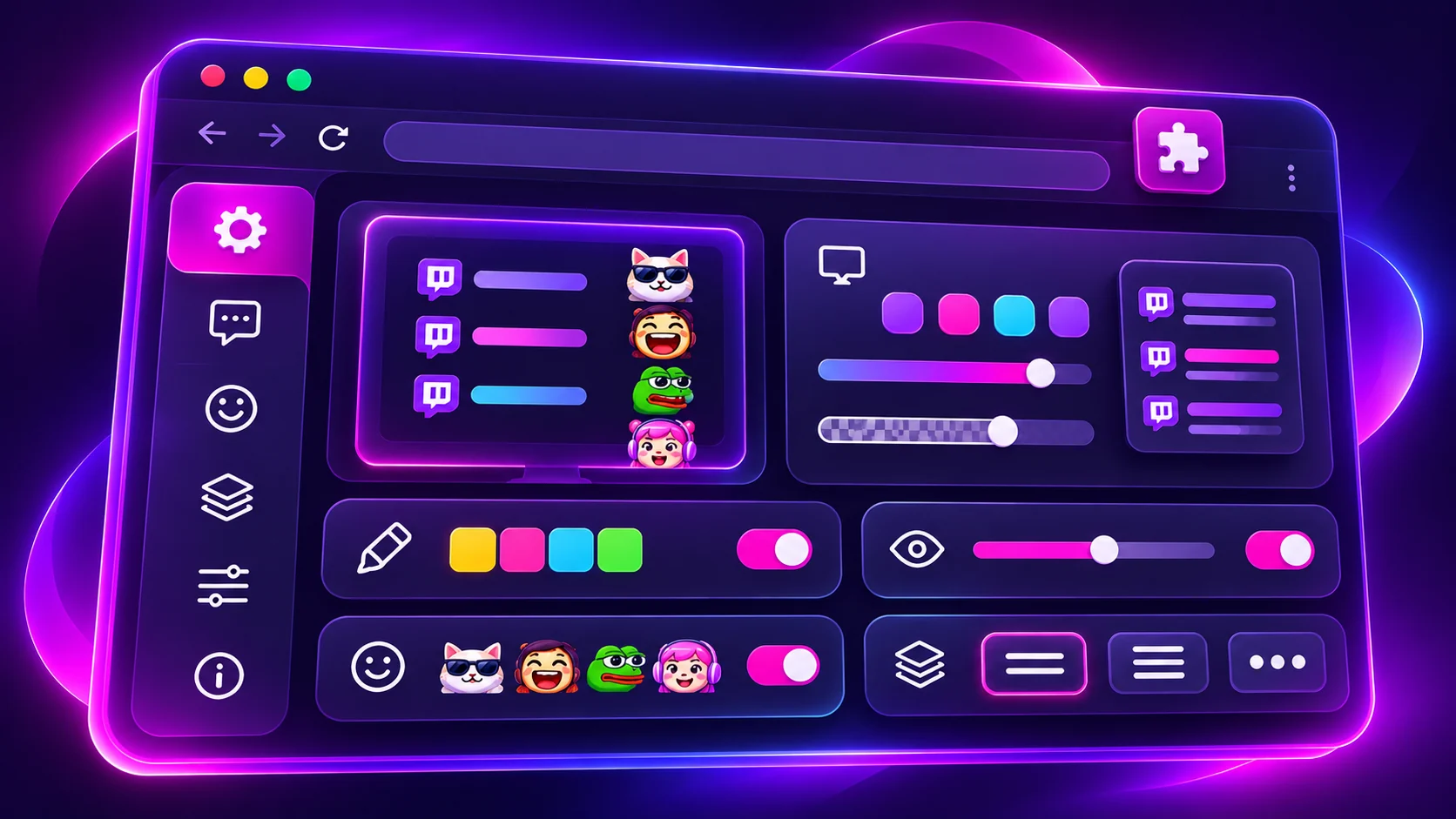
BetterTTV supports YouTube in beta, and it is worth being specific about what that means, because "beta" gets misread as "fully working". The extension installs the same way, and the emote menu and chat features appear on YouTube live chat : but only after you agree to the additional YouTube permission, either at installation or later from BetterTTV Settings. Without that permission, YouTube stays plain.
Even with the permission, not all BetterTTV settings are compatible with YouTube at this time. The features built around Twitch chat : channel points auto-claim, raid auto-join, mod view : have no YouTube equivalent, and some chat display options behave differently on YouTube's chat layout. The practical test is simple: open a YouTube live stream, look for the emote menu, and try the features you care about. The ones that appear work; the ones that do not are not broken, they are just not part of the YouTube beta yet. Check the current official information if you want the latest list, because the beta changes over time.
How does a free extension stay free?
People sometimes ask how a free, open source extension pays for itself : and whether "free" means the product will disappear or start charging. BetterTTV's answer is the freemium model: the extension itself is free, and the optional Pro service pays for the parts that cost money to run. Pro is aimed at the people who use the product hardest : streamers who need more emote slots, personal emotes that travel with them, and a visible badge : while ordinary viewers get the full free extension without paying anything.
That is also why Pro exists as a subscription rather than a one-time purchase: emote hosting, the emote catalogue, and ongoing development are ongoing costs. For a viewer, none of this matters day to day. Install the free extension, use it, and only look at Pro if you run a channel or you want personal emotes. The free product is not a trial and it does not expire.
Is BetterTTV safe?
The honest answer has two parts. First, the extension itself is a well-known, open source product distributed through official browser stores, and the store listings show the publisher and the permissions it asks for. Second, safety depends on where you install it from. Install only from the official BetterTTV website or an official browser store listing, review the publisher and permissions before installing, and avoid unofficial mirrors, repackaged installers, and any page that asks you to disable browser security. The full safety guidance is on the download page on this site.
The short version
BetterTTV is a free browser extension that adds the emotes and chat features Twitch left out: extra global and channel emotes, an improved emote menu, keyword tools, split chat lines, deleted-message viewing, auto-claiming, and a cleaner chat view. It is made by NightDev, it works on Twitch and on YouTube in beta, and it takes minutes to install from an official store listing. If you watch Twitch often and chat looks like it is missing pictures, this is almost certainly what you are missing.